
Lower your internet bill
61% of people overpay for their internet.
Are you one of them?
Unlock exclusive offers in your area!
Call now
[tel]Enter zip code




















 Use code: KALA & receive a $50 gift card with your order!
 Are you happy with your Internet service?

About the author
A great online gaming experience depends on more than just having an internet connection; it’s also about Internet speed. If you’re in the middle of a grueling Fortnite session or battling it out in Call of Duty, the worst thing that could happen would be for the entire game to freeze right at the pinnacle.
Understanding the speed of your Internet is something that can enhance all online experiences, not just gaming. Learning about the varying Internet speeds and how they can affect the way you use the Internet at home can help you fortify the strength of your connection while you’re gaming.
If you’re specifically looking at how to get the best Internet provider for gaming in your area, these are the things you should consider:
A pleasant gaming experience comprises all these factors working harmoniously and seamlessly. When one of them falters, the experience deteriorates, and everything can become frustrating instead of enjoyable.
There are multiple tests you can perform to find out exactly how your Internet is performing when you’re gaming. The first aspect you’ll need to consider and understand is the speed of your Internet connection. Here’s everything you need to know.
61% of people overpay for their internet.
Are you one of them?
Unlock exclusive offers in your area!
Call now
[tel]Enter zip code
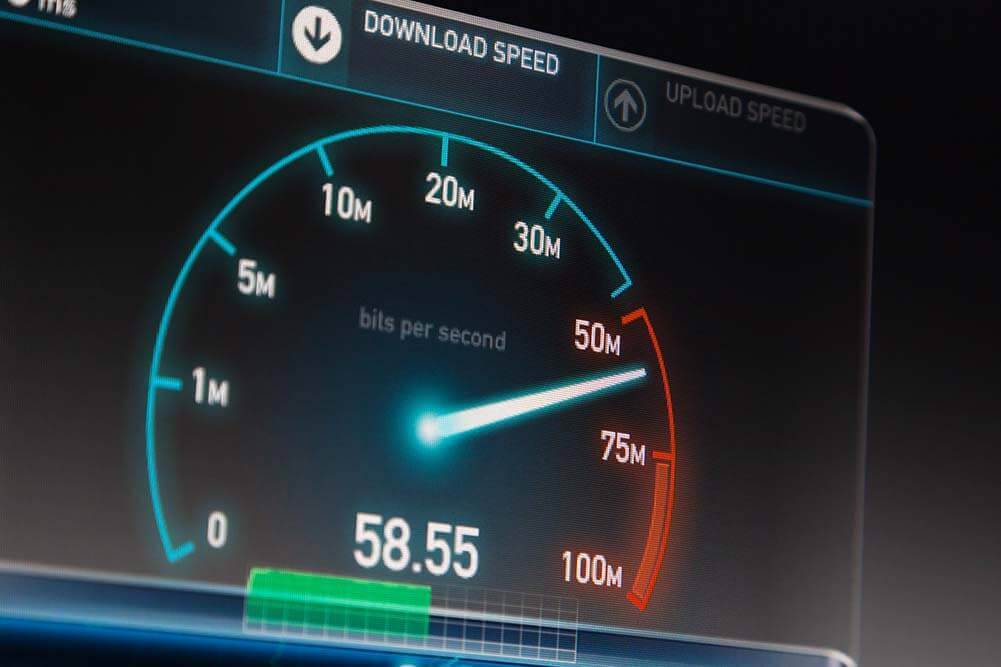
The speed of your Internet connection is especially important to consider when choosing the best Internet provider for gaming in your area because the results will directly affect whether you experience latency issues while gaming.
A good way to test where your connection speed stands is by running a speed test on your internet connection. This will allow you to get a better grasp of your Internet speed and approach any changes you may need to make in a more detailed way.
Online speed tests check how quickly your connection can download and upload data within a certain amount of time. This is one of the first things you’ll need to do to gauge exactly where your internet speed stands.
A speed test measures the transfer of data in Megabits per second (Mbps), a unit of measure that allows the computer to determine the speed of the data transfer. During a speed test, the software of the speed test will attempt to establish a connection with your computer or mobile device by sending it a ping and seeing how quickly it responds.
Once your device responds, it will start measuring downloads and uploads with data to see how quickly the connection can complete the processes. The results will guide you as to what to do next.
However, a speed test alone tells you only half the story. For gaming, latency and jitter matter as much as raw speed. A 50 Mbps connection with 15ms ping will consistently outperform a 500 Mbps connection with 80ms ping in any real-time game. Always check the ping result in your speed test because that number predicts your in-game experience better than download speed alone.
In order for you to find the best Internet provider for gaming in your area, it’s important to understand why upload and download speeds are so essential during the gaming experience. For example, if you’re playing Call of Duty on your Xbox, the requirements for bandwidth will be lower because, unlike a computer, a console doesn’t have to stream anything directly from the Internet and into your screen.
The Federal Communications Commission advises users that in order to game online, you’ll need at least a 3Mbps download speed and 1-2Mbps to upload so that you’re not affected by any issues that could deter you from a good gaming experience. While there is truth to this statement, those kinds of speeds will not do much to reduce latency or compete with all the other devices that are connected at the same time while you’re trying to game online for half an hour.
The higher the Mbps, the better the connection will be. A higher Mbps count will help your computer or gaming console to download large amounts of data in a matter of minutes. To put it in perspective, while 3Mbps is the least amount of data you’ll need for gaming, if you were to download a two-hour movie with that kind of speed, it would easily take over five hours.
You also have to think about the fact that with a low Mbps, you will most definitely experience “lag” or latency (the more formal term to describe a delay in the display) during a multiplayer online game.
The 3 Mbps FCC minimum is outdated guidance for modern gaming. Today’s game downloads routinely run 80–150 GB, and some titles like Call of Duty: Modern Warfare III exceed 200 GB with all content. At 3 Mbps, a 100 GB game would take over 3 days to download. A practical minimum for a good experience in 2026 is 50 Mbps, with 100–300 Mbps recommended for households with multiple users or devices.
Upload speed matters more than most guides acknowledge. If you stream your gameplay on Twitch or YouTube, upload speed becomes MORE important than download. Streaming at 1080p to Twitch typically requires 10–15 Mbps upload. For competitive play with voice chat and simultaneous game streaming, aim for at least 20 Mbps upload. Fiber is the only connection type that consistently delivers symmetrical upload and download speeds.
You’ll want to look for a speed that’s over 50Mbps, especially if you’re playing a game with multiple people online. Anything lower than that will put you at risk of experiencing latency, slow downloads and uploads, and a lot of traffic online that will prevent you from maximizing your gaming experience.
Internet speed requirements vary significantly depending on what and how you play. Here’s a breakdown of what to target in 2026:
Platform-specific guidance: PlayStation 5 and Xbox Series X/S list 3 Mbps as the official minimum for online play, but 50–100 Mbps is the practical recommendation for a smooth experience. Nintendo Switch maxes out around 60 Mbps. PC competitive gamers (especially in fast-paced shooters like Valorant, CS2, or Apex Legends) benefit most from low latency (under 20ms) rather than higher raw speed.
Cloud gaming has higher demands than traditional online gaming. Because you’re streaming a fully rendered game session from a remote server, your entire video feed travels over your connection in real time. GeForce NOW requires 15 Mbps for 720p/60fps and 45 Mbps for 4K/120fps. Xbox Cloud Gaming recommends at least 20 Mbps. For all cloud platforms, latency under 50ms to the service’s server is essential; NVIDIA requires under 80ms, and under 40ms is recommended for the best experience.
There are a few things you can check in your connection to make sure that you are getting the best possible speed for gaming.
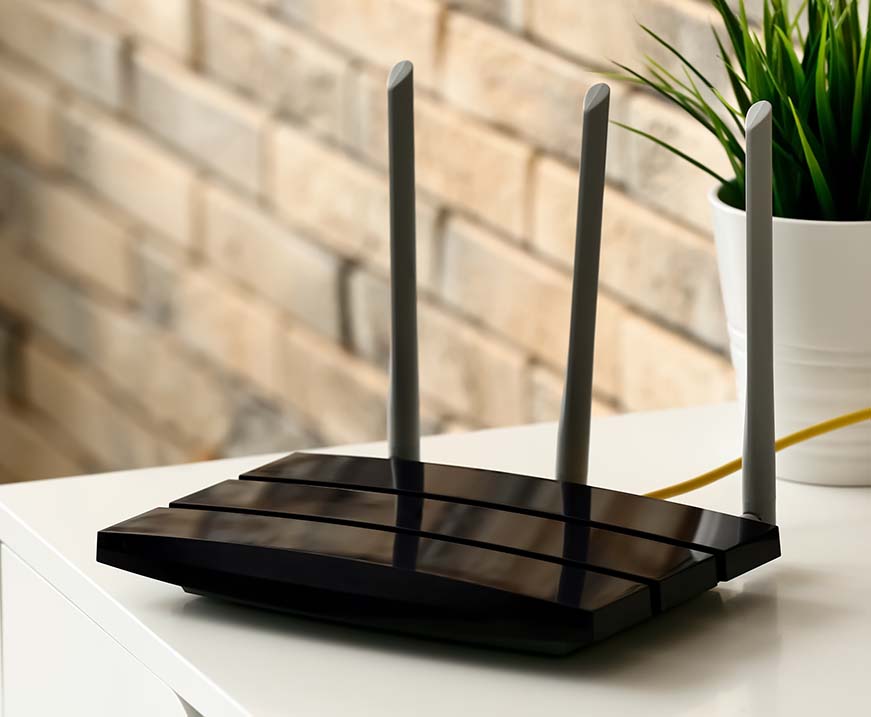
For you to connect to the Internet, you need the help of a modem, router, and the best Internet provider for gaming in your area. When you sign up for a new service with an internet provider, unless you already own a modem and router combo, the provider will give you the option of renting the equipment from them so that they can establish your Internet connection. Renting or owning any equipment has its upsides and downsides.
It’s difficult to pinpoint a single internet provider that meets all the requirements for the best gaming experience. Depending on where you live, not every type of internet connection might be available, which means you’ll probably have to compromise on some of the qualities you’re looking for.
The most important technical factor when choosing an ISP for gaming is latency, not download speed. Once you’re above 50 Mbps, more speed has minimal impact on in-game performance. What matters is how quickly your data packets travel to and from the game server, which depends on your connection type, your ISP’s network quality, and your proximity to servers.
Fiber is the best option for serious gaming. Fiber-optic connections offer the lowest latency (typically 5–20ms), highest reliability, symmetrical upload speeds, and no data caps. Fiber now reaches roughly 60% of U.S. households. If it’s available at your address, it should be your first choice.
Here’s how the top ISPs compare for gaming performance in 2026:
Verizon Fios consistently ranks as the top ISP for gaming performance, with an average latency of 13–18ms. Its 100% fiber-optic network delivers symmetrical speeds from 300 Mbps to 2.3 Gbps with no data caps and no contracts. Coverage is concentrated in the Northeast and Mid-Atlantic.
GFiber (Google Fiber) delivers a median latency of 5–10ms (the lowest of any major provider) thanks to Google’s own network backbone, which reduces routing hops. Plans go up to 8 Gbps symmetrically in select areas, with no data caps. GFiber serves about 20 metro areas, including recent expansions into Phoenix and Chicago suburbs.
AT&T Fiber plans use 100% fiber-to-the-premises architecture with typical latency around 15ms. Note: AT&T also sells DSL and fixed wireless under the same brand, so make sure if you choose AT&T, you are getting fiber service.
Xfinity is the best cable option for gamers, with speeds up to 2 Gbps and coverage in 40+ states. In 2025, Xfinity introduced an ultra-low-lag upgrade using DOCSIS 4.0 technology that reduced working latency by up to 78% in trials (currently in select cities). All plans now include unlimited data.
For rural or suburban areas without fiber or cable, T-Mobile Home Internet and Verizon 5G Home Internet are now viable for casual gaming, delivering 100–300 Mbps with no data caps. Typical latency of 30–80ms works for most games, though competitive esports players will notice lag spikes during congestion.
Traditional geostationary satellite internet (Viasat) is not suitable for gaming due to latency exceeding 600 ms. Starlink (LEO satellite), however, delivers 25–50ms latency and 65–200 Mbps, which is viable for casual and single-player online gaming in areas with no other broadband access.
The best Internet provider for gaming in your area will largely depend on exactly what’s available wherever you live. Keeping in mind all the things that make an online gaming experience perfect, you can narrow down exactly which internet service will work best for your needs. Enter your zip code below to explore available internet providers near you.
61% of people overpay for their internet.
Are you one of them?
Unlock exclusive offers in your area!
Call now
[tel]Enter zip code
Hybrid Fiber Coaxial (HFC) internet works well for the vast majority of gamers. A good cable plan (say, 200–500 Mbps) will deliver plenty of speed and latency in the 10–25ms range, which is more than adequate for casual, competitive, and even most esports-level play. The difference between cable and fiber only becomes meaningful in specific situations: if you regularly stream your gameplay (fiber’s symmetrical upload speeds shine here), if you live in a busy household where multiple people are downloading or streaming simultaneously, or if you’re competing at the highest levels of online gaming where single-digit milliseconds actually matter.
Fast download speed and lag-free gaming are not the same thing. Download speed measures how much data your connection can move; lag is caused by latency (ping), jitter, or packet loss, none of which a basic speed test measures well. A few common culprits for lag despite fast speeds: you’re connected via Wi-Fi rather than Ethernet (which adds 10–30ms and introduces instability); another device on your network is downloading a large update in the background; your router is old and can’t prioritize gaming traffic; or your ISP’s network is congested during peak evening hours (7–11 PM). Start by switching to a wired Ethernet connection, running your speed test again, and checking the ping and jitter numbers specifically. If those look fine and you still experience lag in-game, the issue may be on the route between you and the game’s servers rather than your home network.
Online gaming itself uses surprisingly little bandwidth. The real bandwidth demand comes from everyone doing other things at the same time: 4K streaming on another TV, a video call in the home office, and a smart speaker in the kitchen can collectively add 50–100 Mbps of demand alongside your gaming session. As a rough guide, for a household where 2–3 people are gaming simultaneously alongside general internet use, a 300–500 Mbps plan provides comfortable headroom.
Do you want to leave a review for AT&T Internet?
About the author

Infinity Sales Group, LLC